





Notes sit on your disk as plain text Markdown files, linked into a graph you can navigate or lay out on a canvas. Suits people who want their notes to outlive whatever app they wrote them in.
Collection №09
Apps for writing notes and still being able to find them later.
Notes sit on your disk as plain text Markdown files, linked into a graph you can navigate or lay out on a canvas. Suits people who want their notes to outlive whatever app they wrote them in.
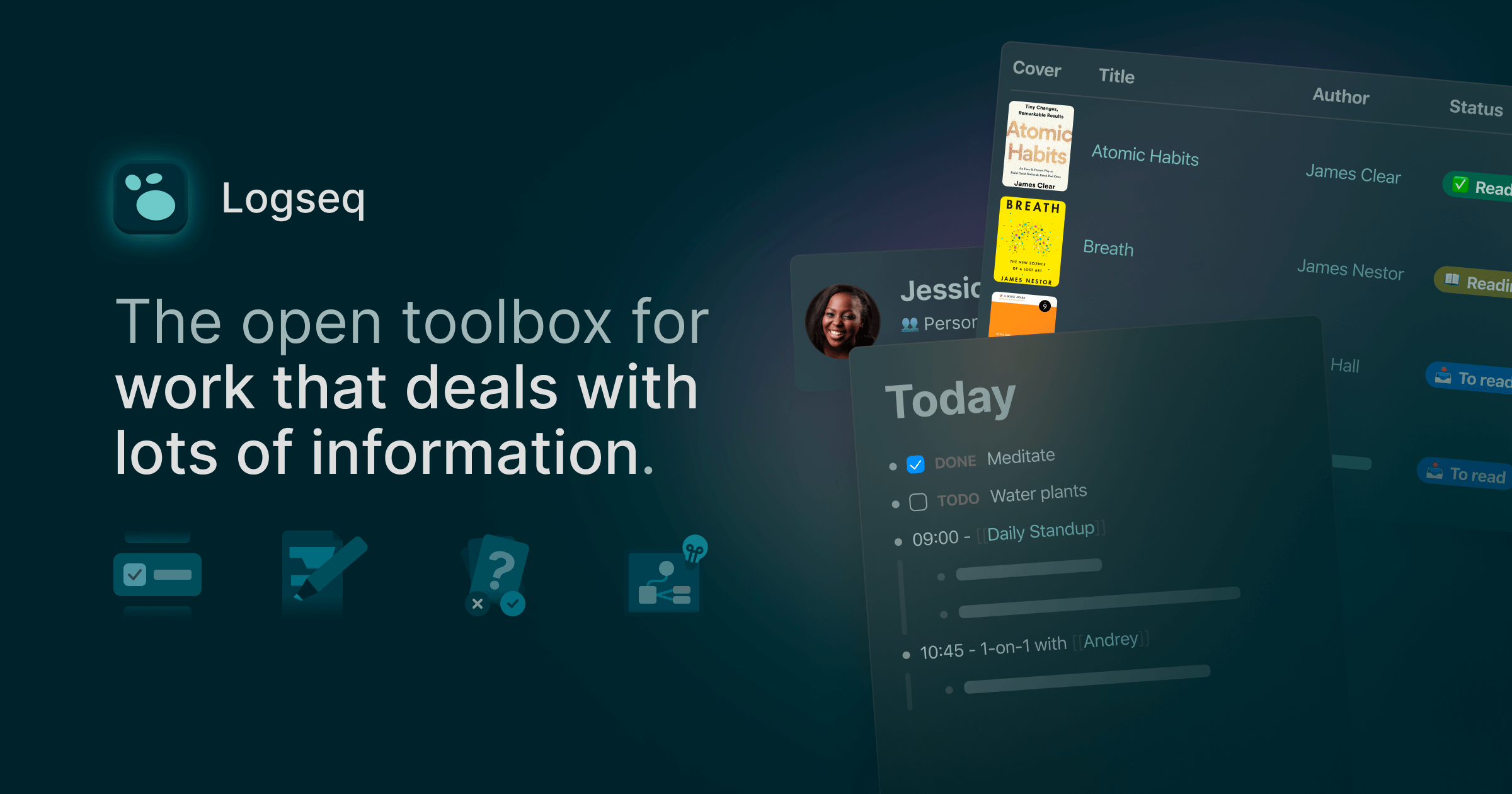
Linked notes and PDF annotations in a knowledge base that stores everything on your own machine — markdown and org-mode in the classic file version, a local SQLite file in the newer DB build.
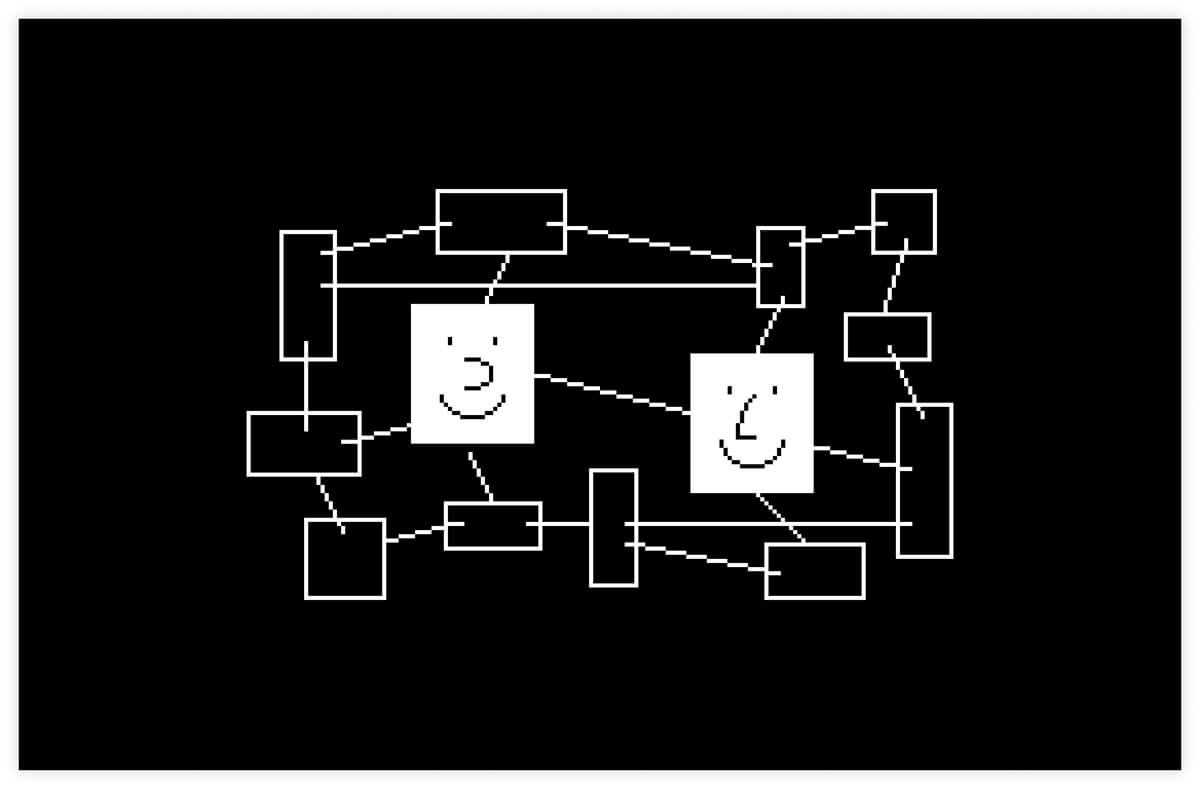
Documents and databases live in an encrypted vault on your own device, with the keys held only by you. Sync runs over the Anytype Network, or peer-to-peer on a local network with no server in between.

Documents, daily notes, tasks, whiteboards and a calendar sit in one space, with an AI assistant and MCP access alongside. Free accounts get no cross-device sync — that starts at £8 a month.
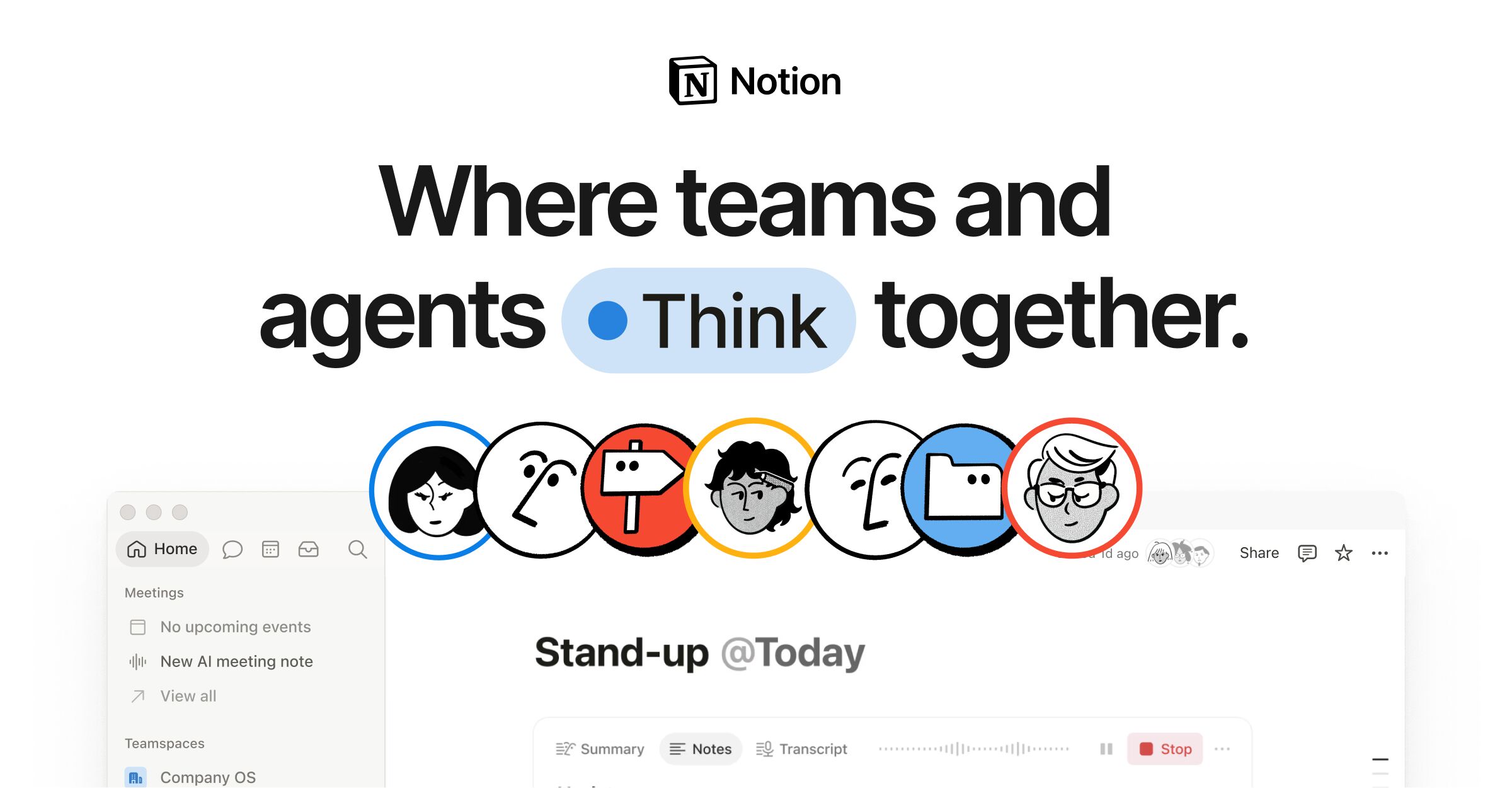
Pages and databases live in one workspace, with a calendar and app connections attached. Agents and enterprise search run over the same documents.
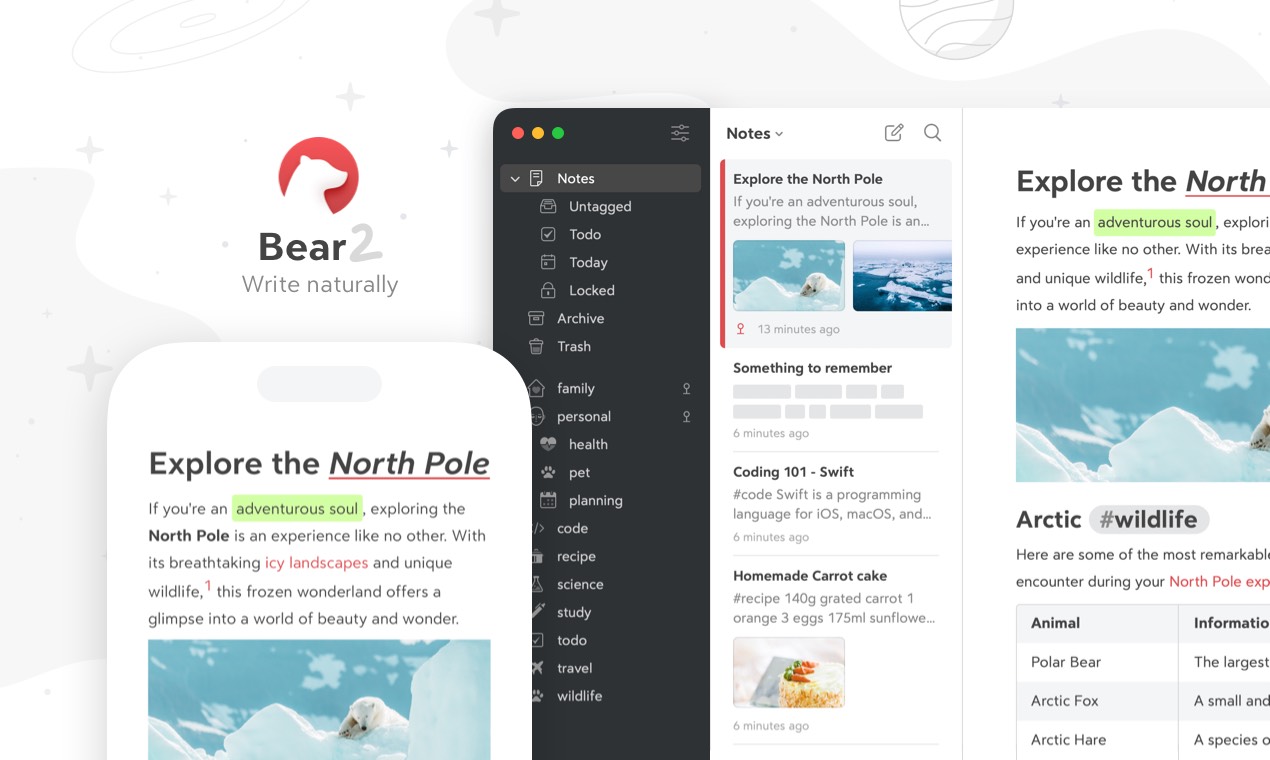
Notes written in Markdown, with photos, tables, sketches and todo lists sitting inline in the same note. Syncs across Apple devices over iCloud.
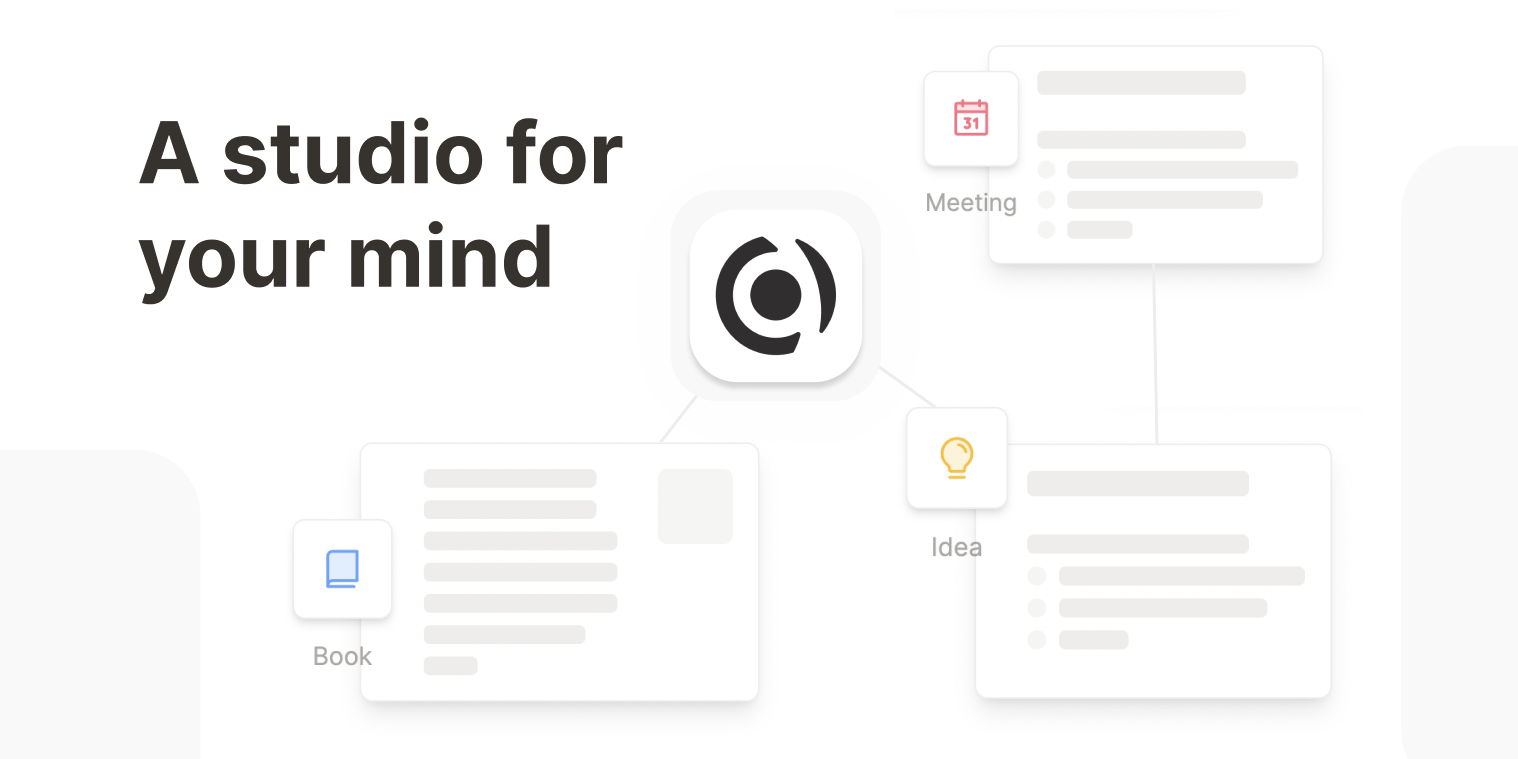
Every note is a typed object with its own properties and backlinks, so a meeting and a project each carry their own structure. Daily notes act as the inbox.